Openlight Camera
Install the latest version on your device
Install the latest version on your device
How to install
Open the native Browser app on the L16 and navigate to https://l16.cieric.com/Openlight.
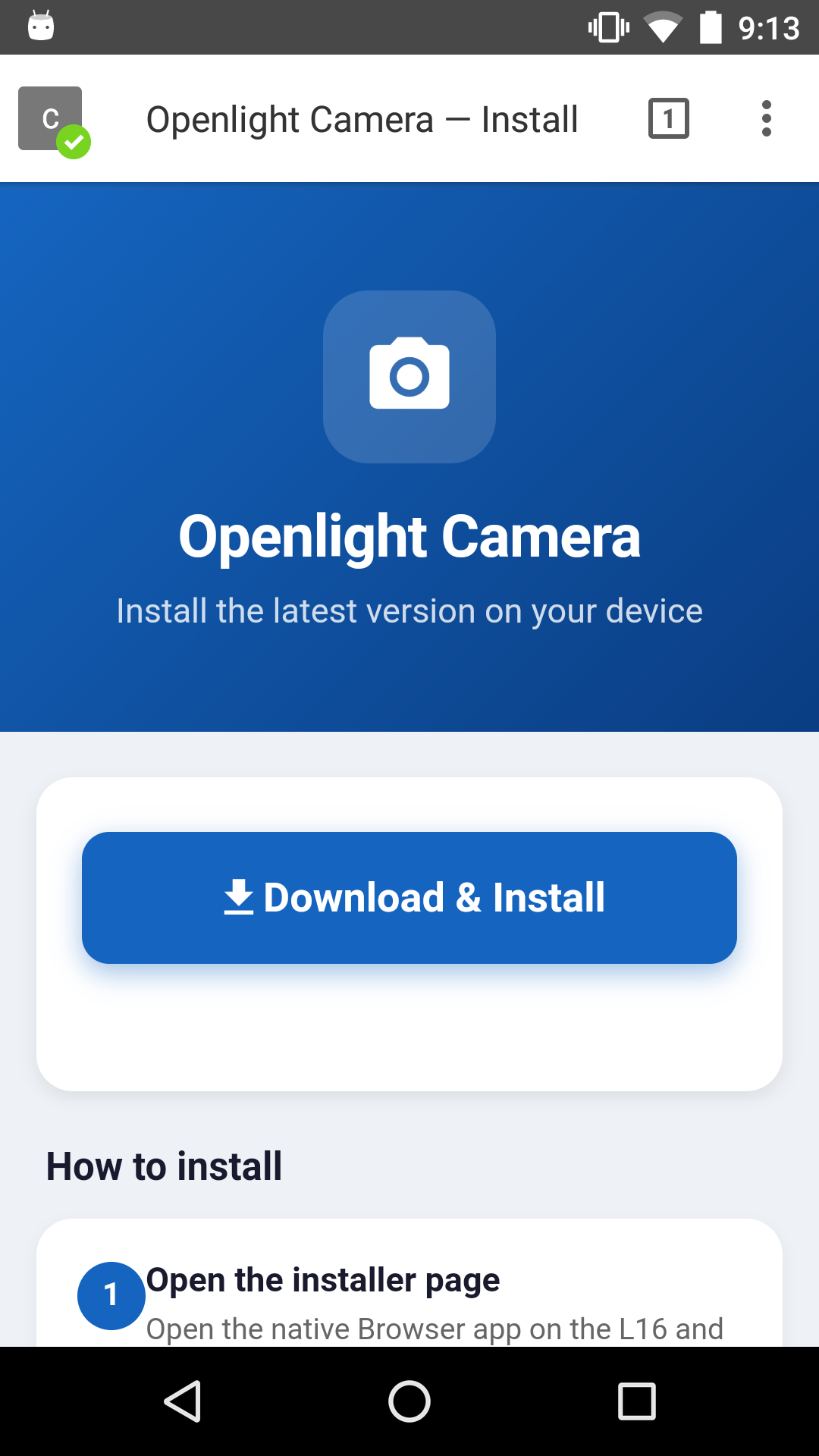
When the download finishes a popup will appear. Tap OPEN.
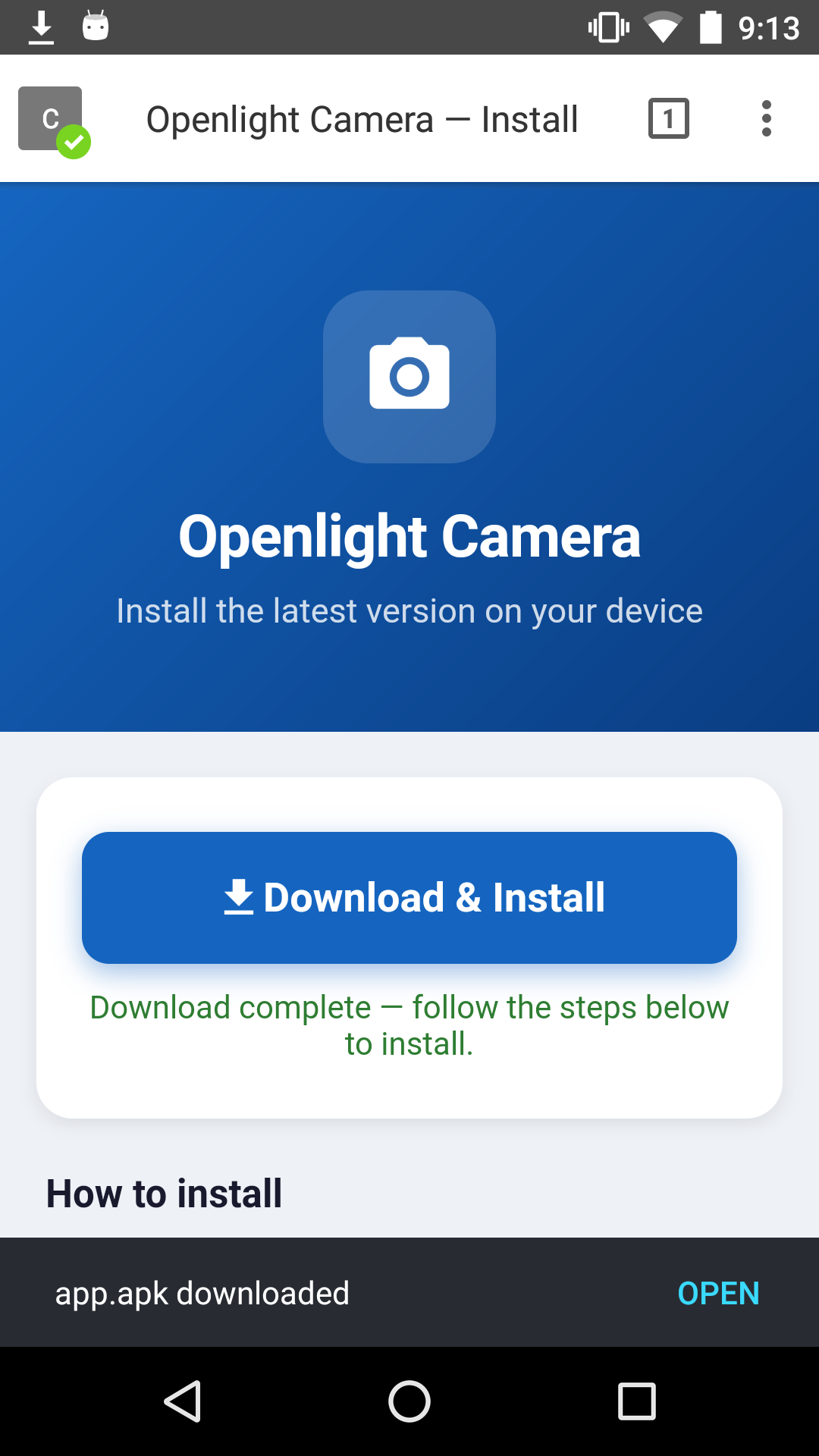
Tap openlight_camera.apk to begin installing.
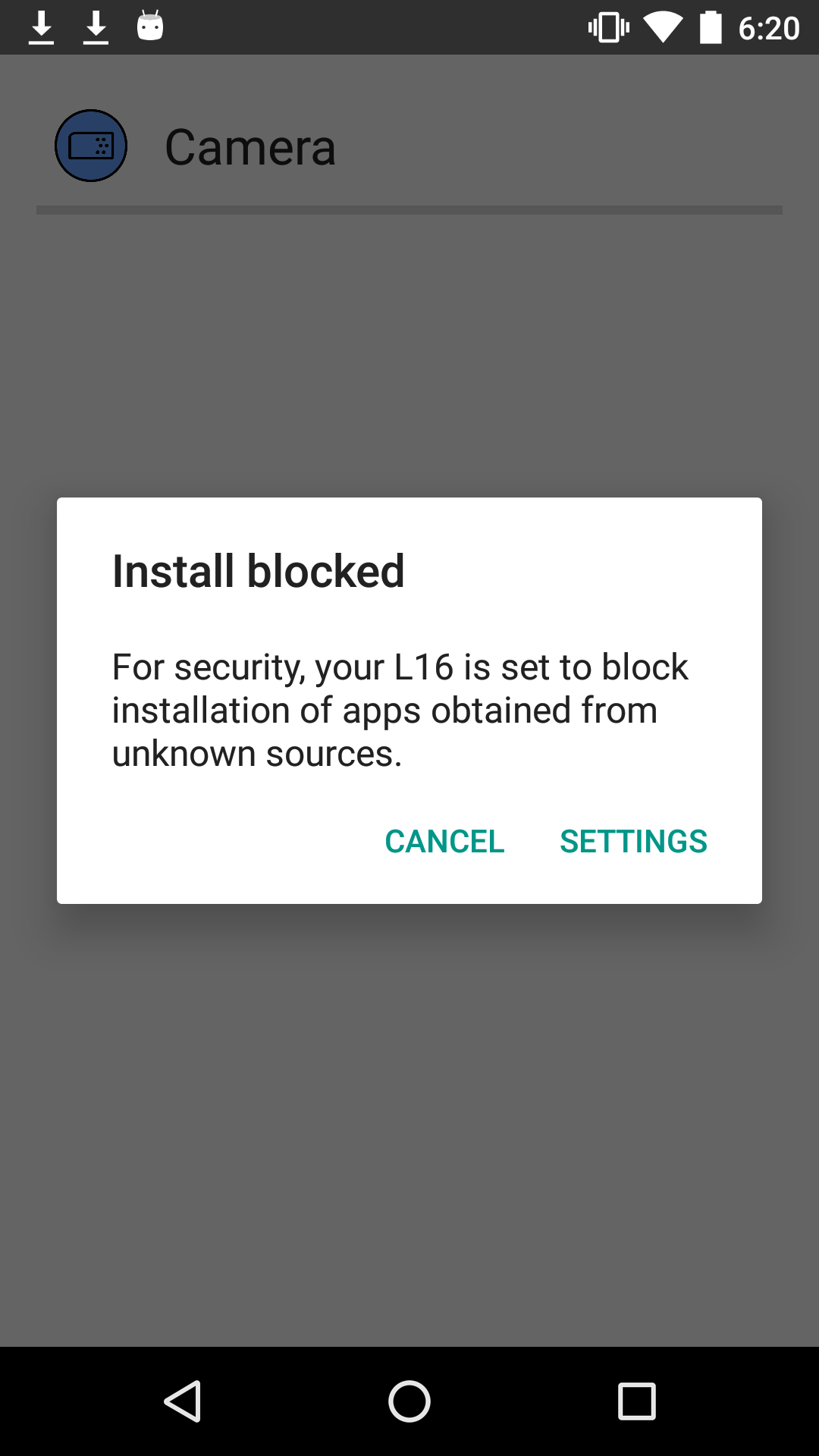
If you see an Install Blocked popup, tap SETTINGS. If not, skip to step 9.
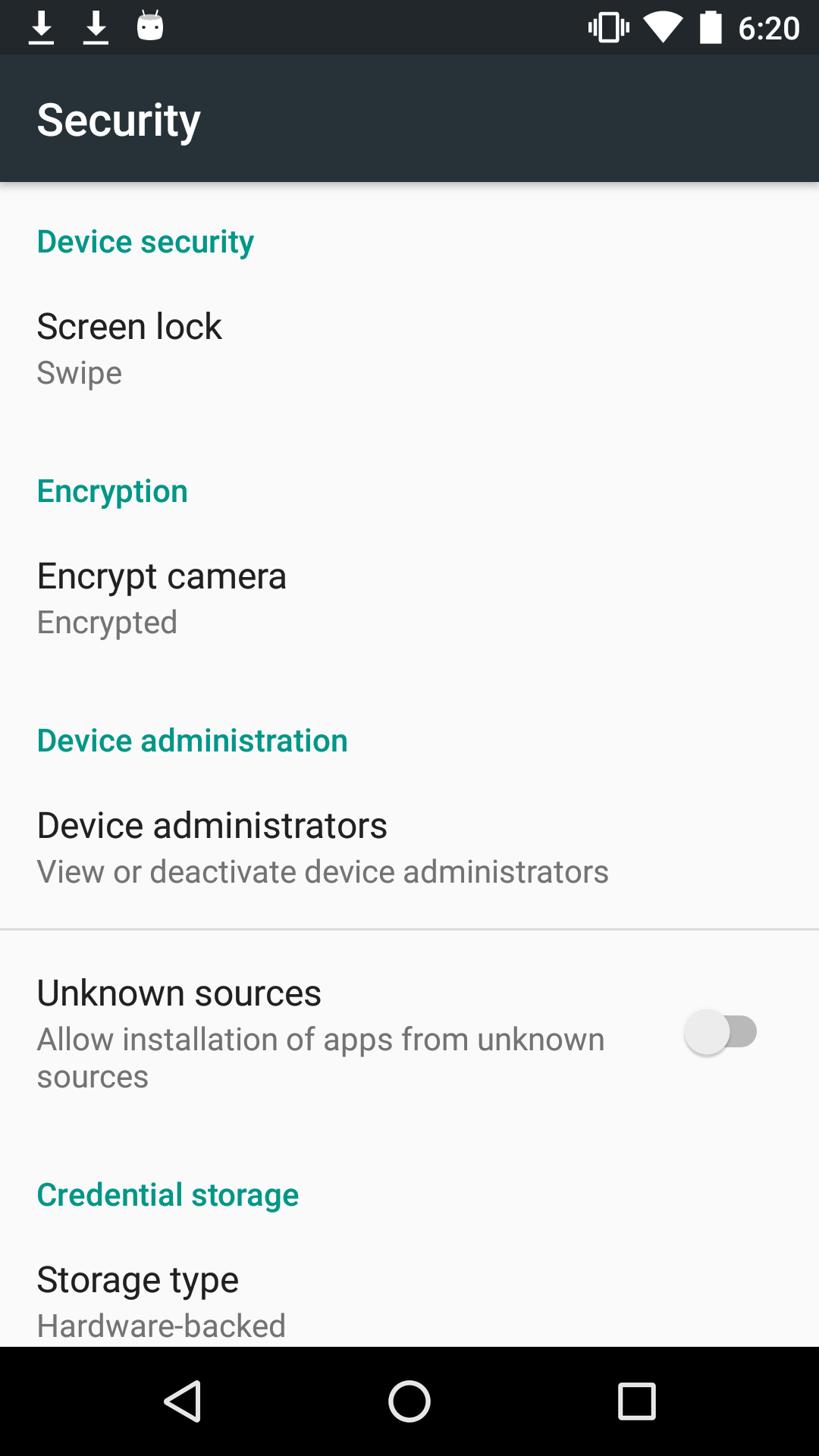
Tap the toggle for Unknown Sources.
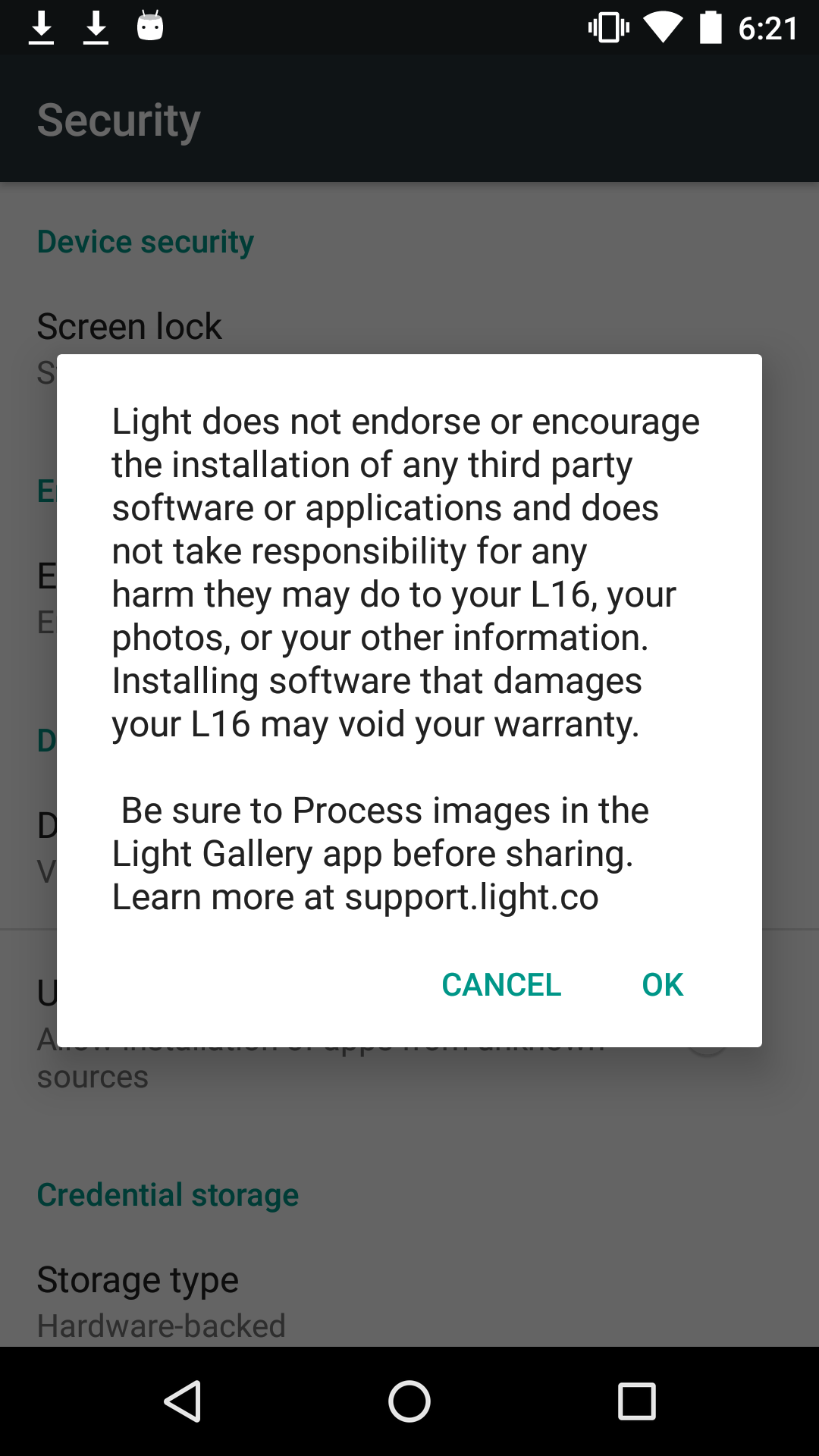
Tap OK, then tap the back button.
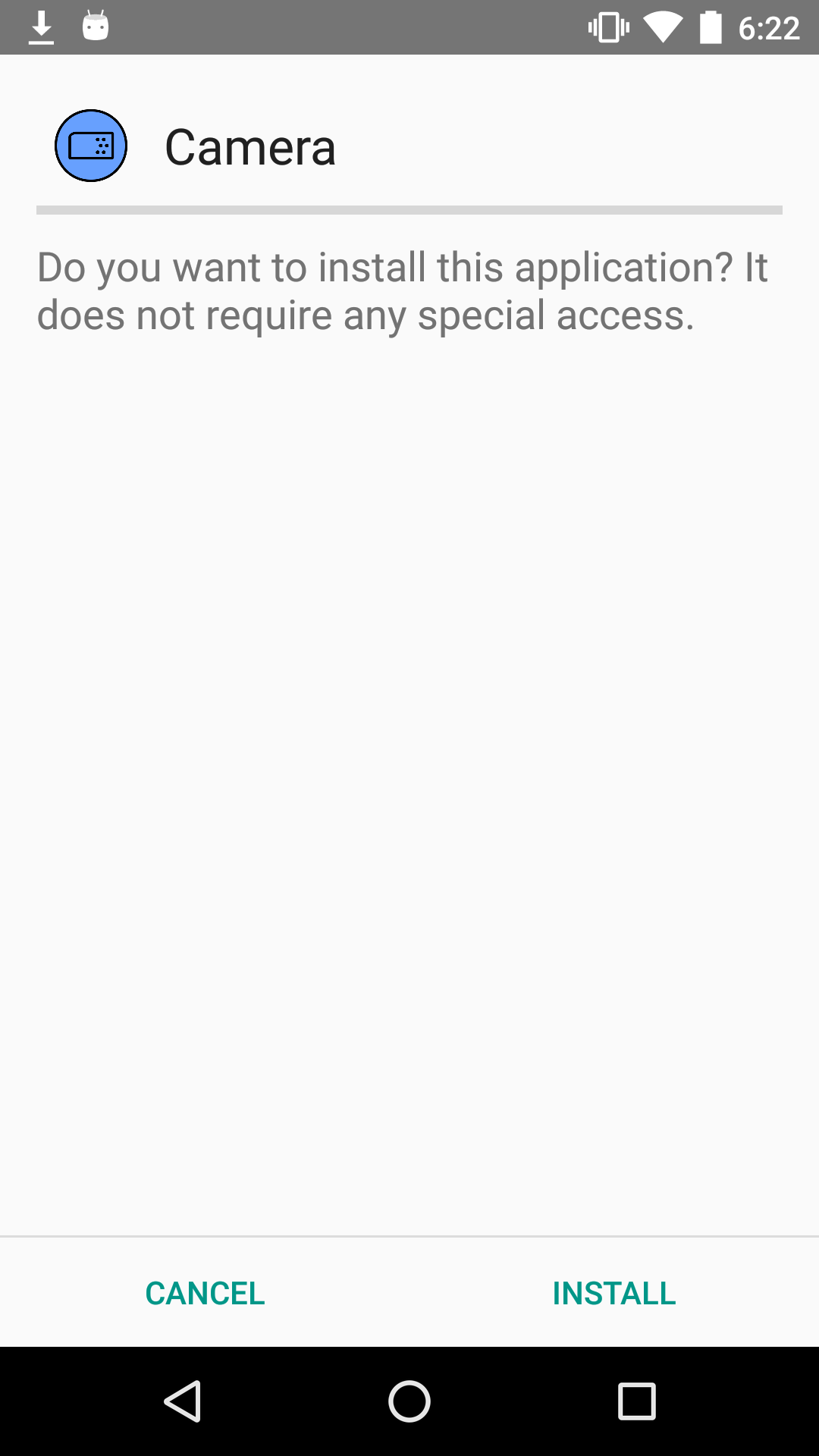
Tap openlight_camera.apk once more to resume the install.
Review the permissions and tap Install.
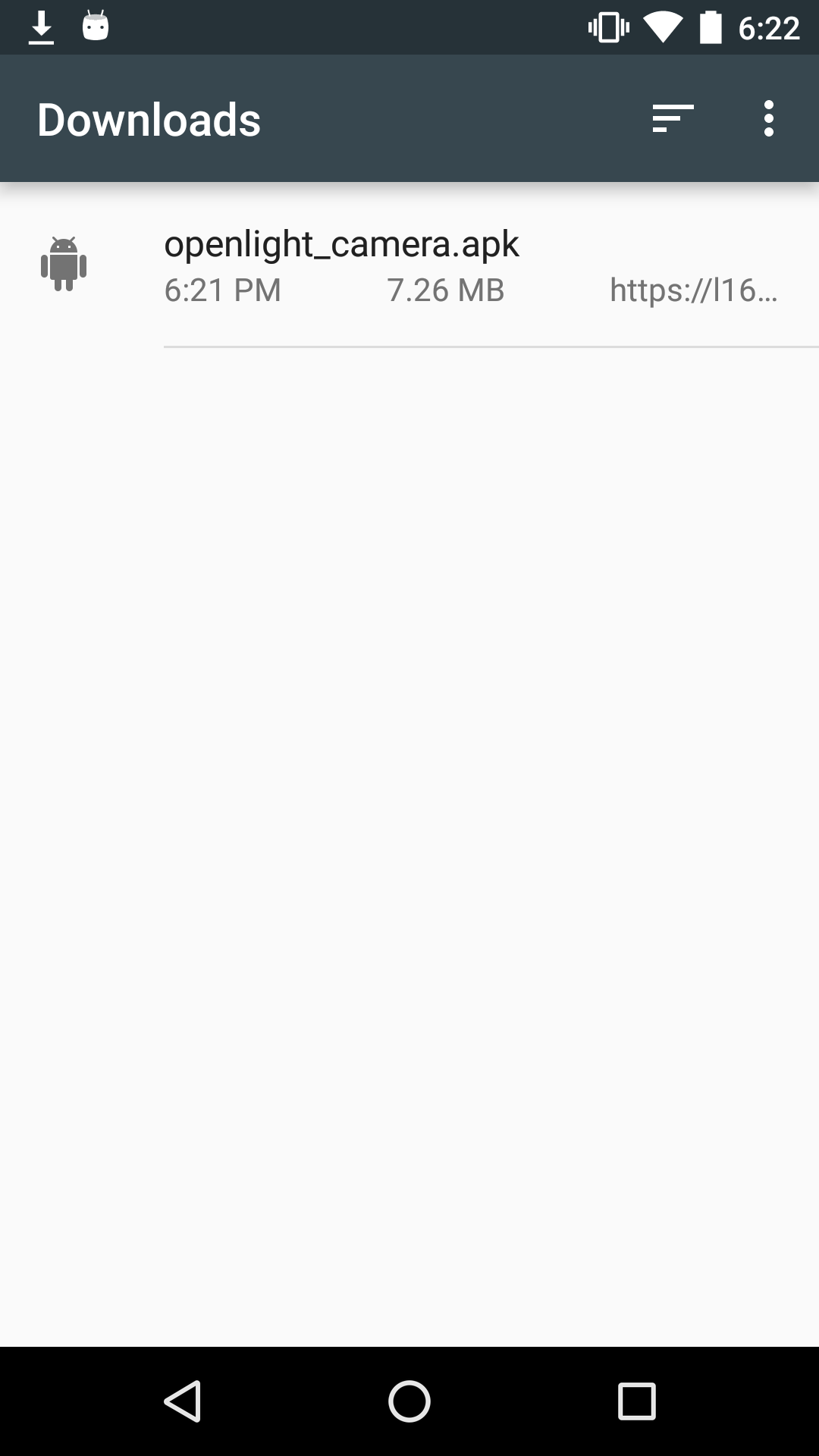
Tap Open to launch the app.